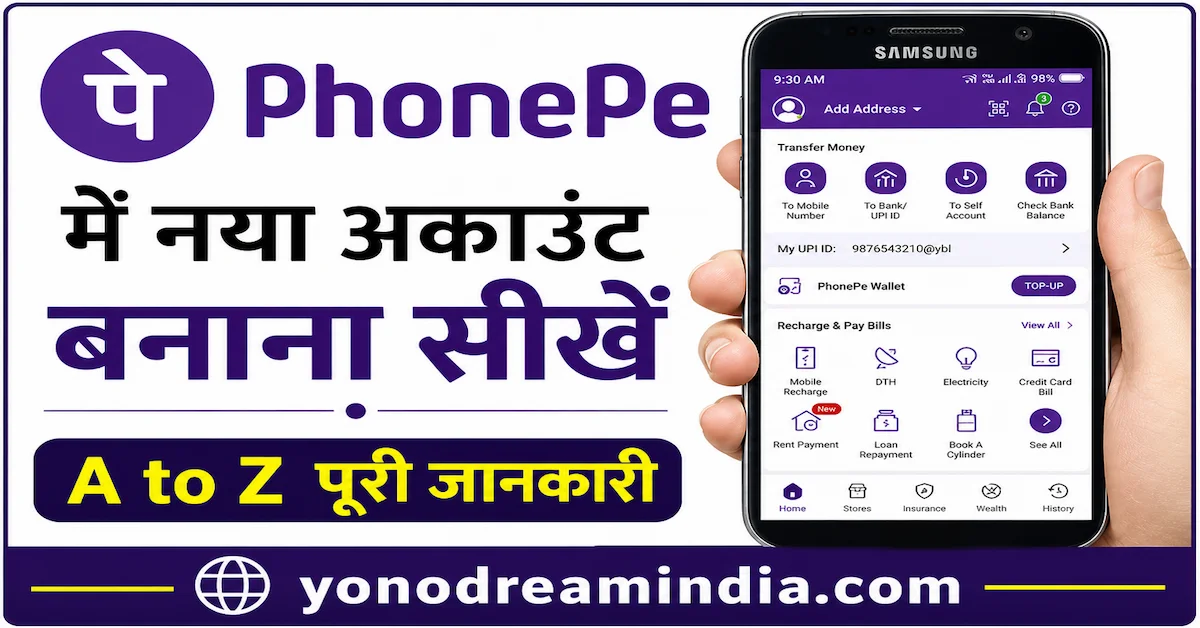
PhonePe App Kaise Use Kare (Guide) – Complete Step-by-Step Tutorial 2026
Aaj ke digital time me online payments bahut common ho chuke hain. Har koi UPI apps ka use karke instant money transfer kar raha hai. In sab apps me PhonePe ek bahut popular aur trusted platform hai jise India me millions of users use karte hain.
Agar aap beginner hain aur jaana chahte hain ki PhonePe app kaise use kare, to yeh complete guide aapke liye hai. Is article me hum aapko step-by-step batayenge ki PhonePe ka use kaise karein, account kaise banayein, aur safe tarike se payments kaise karein.
Agar aap aur bhi detailed earning aur app guides dekhna chahte hain to aap yonodreamindia.com par visit kar sakte hain jahan latest updates milte rehte hain.
PhonePe App Kya Hai?
PhonePe ek digital payment app hai jo UPI (Unified Payments Interface) par based hai. Iske through aap easily kisi bhi bank account se dusre bank account me paise bhej sakte hain. Is app ka use karke aap mobile recharge, bill payment, shopping aur aur bhi bahut saare kaam kar sakte hain.
PhonePe App Download Kaise Kare?
PhonePe app download karna bahut simple hai. Aap Google Play Store ya Apple App Store se ise download kar sakte hain.
- Play Store open karein
- Search karein “PhonePe”
- Install button par click karein
- App open karein
PhonePe Account Kaise Banaye?
Account banana bhi bahut easy process hai. Aapko sirf apna mobile number aur bank account details chahiye.
- App open karein
- Mobile number enter karein
- OTP verify karein
- Bank account link karein
- UPI PIN set karein
Iske baad aapka account ready ho jayega aur aap transactions start kar sakte hain.
PhonePe Me Paise Kaise Bheje?
Money transfer karna PhonePe ka main feature hai. Yeh process bahut fast aur secure hota hai.
- App open karein
- “To Mobile Number” ya “To Bank/UPI ID” select karein
- Receiver details enter karein
- Amount enter karein
- UPI PIN enter karein
Transaction instantly complete ho jata hai.
PhonePe Se Paise Receive Kaise Kare?
Paise receive karne ke liye aap apni UPI ID share kar sakte hain.
- Apni UPI ID share karein
- QR code use karein
- Request money option use karein
Recharge Aur Bill Payment Kaise Kare?
PhonePe ka use karke aap easily recharge aur bill payments kar sakte hain.
- Mobile recharge
- DTH recharge
- Electricity bill
- Gas bill
- Water bill
Bas service select karein, details enter karein aur payment complete karein.
PhonePe Ke Main Features
- Fast UPI transfer
- Secure transactions
- Cashback offers
- Multiple payment options
- User-friendly interface
PhonePe Safe Hai Ya Nahi?
Haan, PhonePe ek secure app hai. Yeh bank-level security use karta hai jisse transactions safe rehte hain.
Safety Tips
- Kisi ko apna UPI PIN na batayein
- Unknown links avoid karein
- Official app hi use karein
- OTP share na karein
Common Problems Aur Solutions
Kabhi-kabhi users ko kuch problems face karni padti hain:
- Transaction failed
- OTP issue
- App crash
- Bank linking problem
Solution:
- App update karein
- Internet check karein
- App reinstall karein
PhonePe Use Karne Ke Benefits
- Instant money transfer
- No extra charges
- 24/7 available
- Easy interface
- Cashback rewards
Advanced Features
PhonePe me kuch advanced features bhi available hain:
- Insurance services
- Gold investment
- Mutual funds
- Loan services
PhonePe Tips for Beginners
- Small amount se start karein
- UPI PIN secure rakhein
- Regular updates check karein
- Offers explore karein
Aur bhi apps aur earning guides ke liye aap yonodreamindia.com visit kar sakte hain.
Future of Digital Payments
India me digital payments rapidly grow kar rahe hain. UPI system aur strong hone wala hai jisse transactions aur fast aur secure ho jayenge.
Frequently Asked Questions (FAQ)
PhonePe ka use free hai?
Haan, basic transactions free hote hain.
Kya PhonePe safe hai?
Haan, yeh secure platform hai.
Kya bina bank ke use kar sakte hain?
Nahi, bank account link karna zaroori hai.
Transaction kitni fast hoti hai?
Instant transfer hota hai.
Conclusion
PhonePe app ek simple aur powerful digital payment tool hai. Agar aap is guide ko follow karte hain, to aap easily aur safely transactions kar sakte hain.
Hamesha trusted platforms use karein aur secure tarike se payments karein.